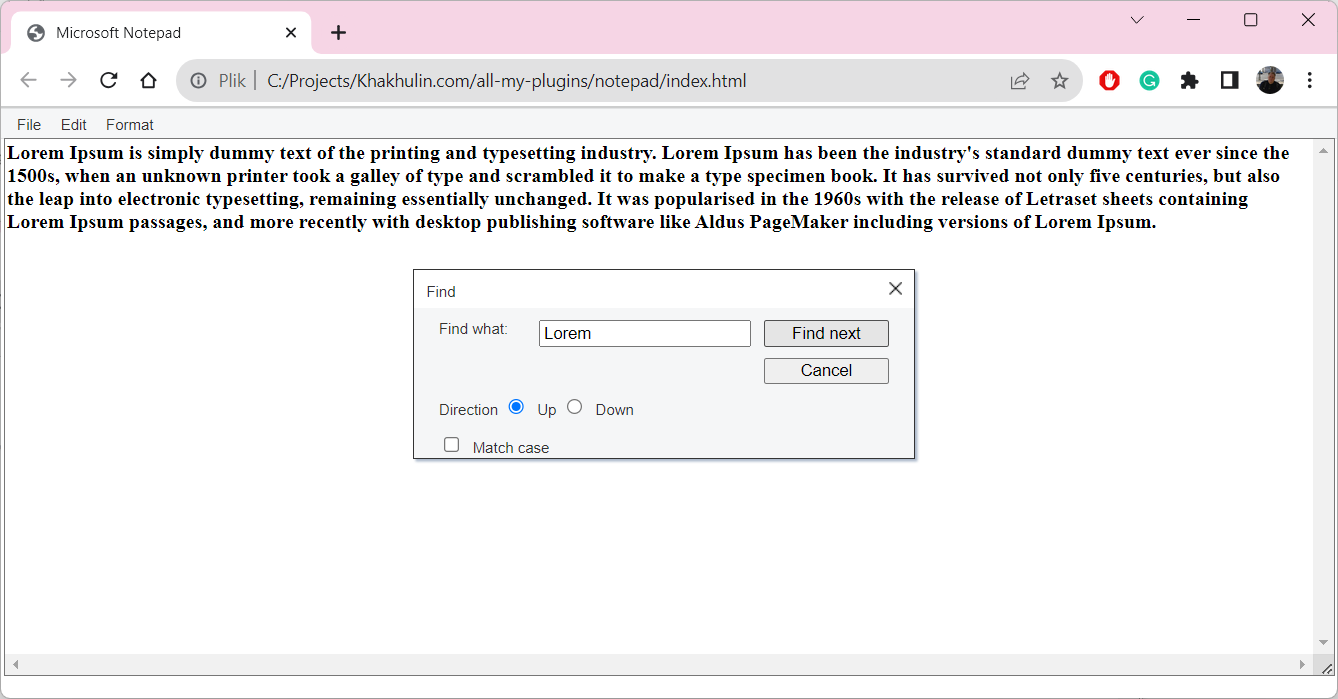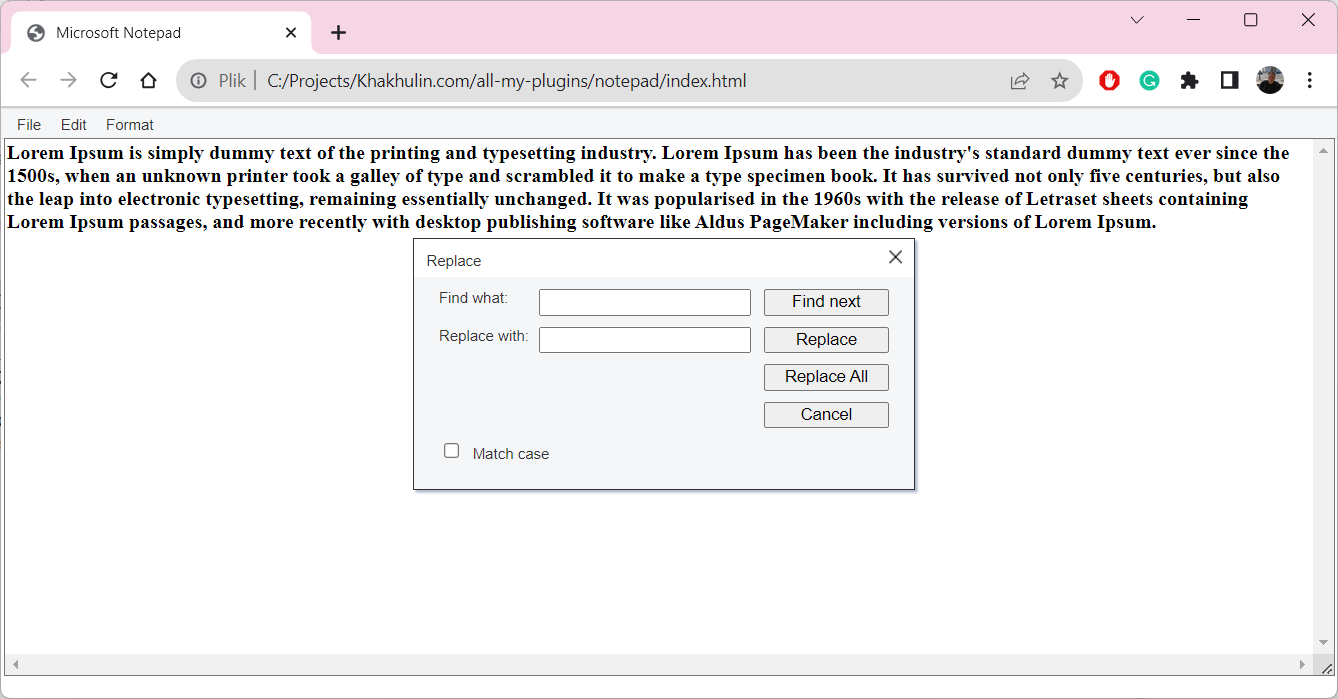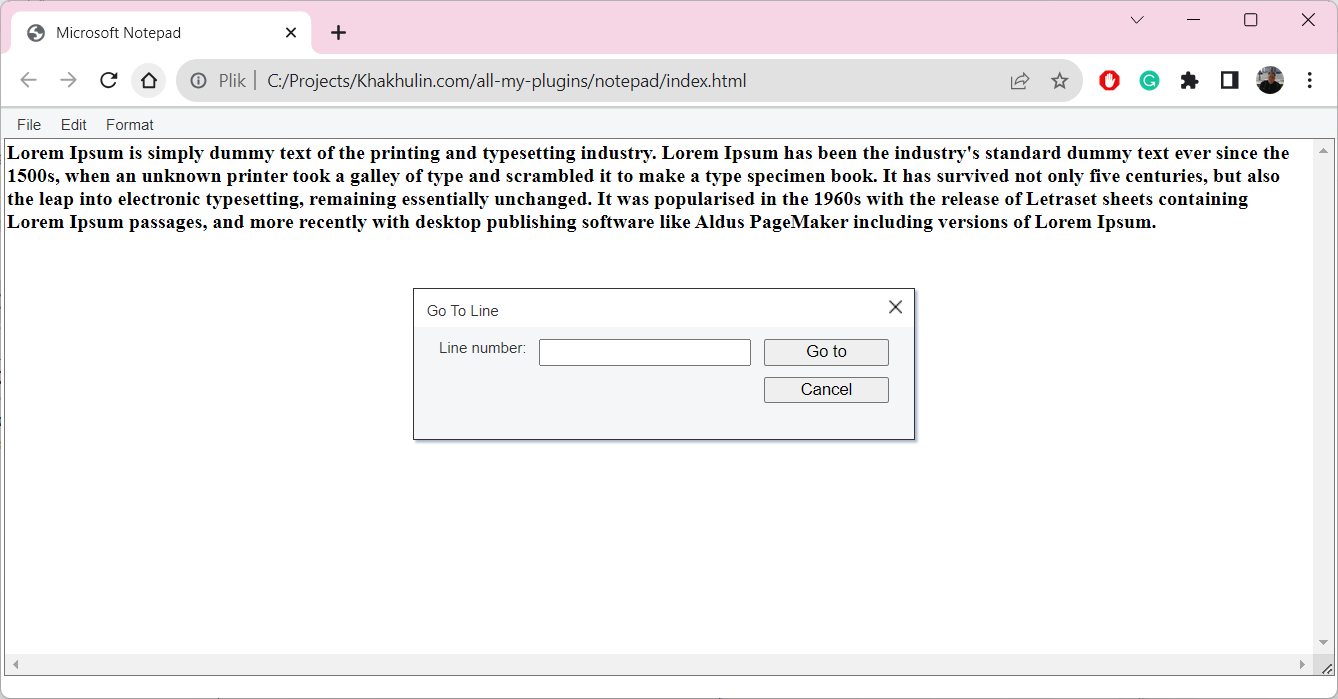
There were a couple of plugins for my customer from the USA. The customer had the educational website for children, and one of the sections was dedicated to exploring of Microsoft Notepad application.
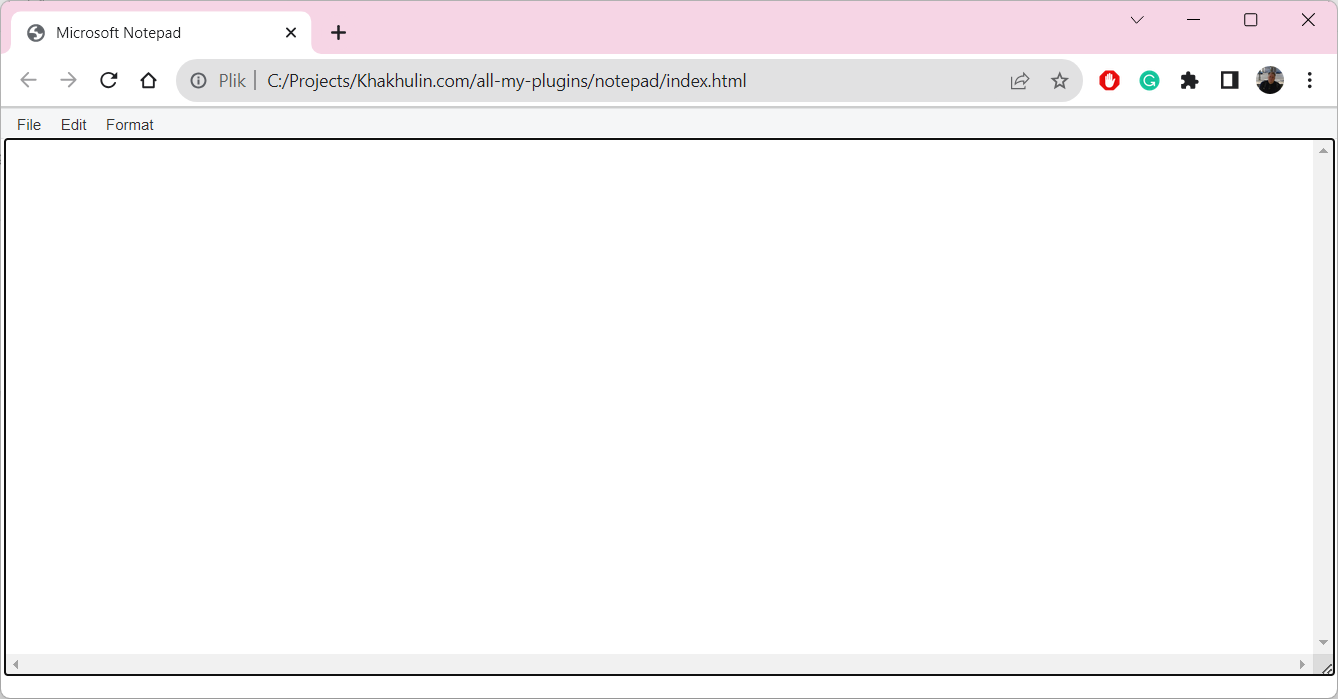
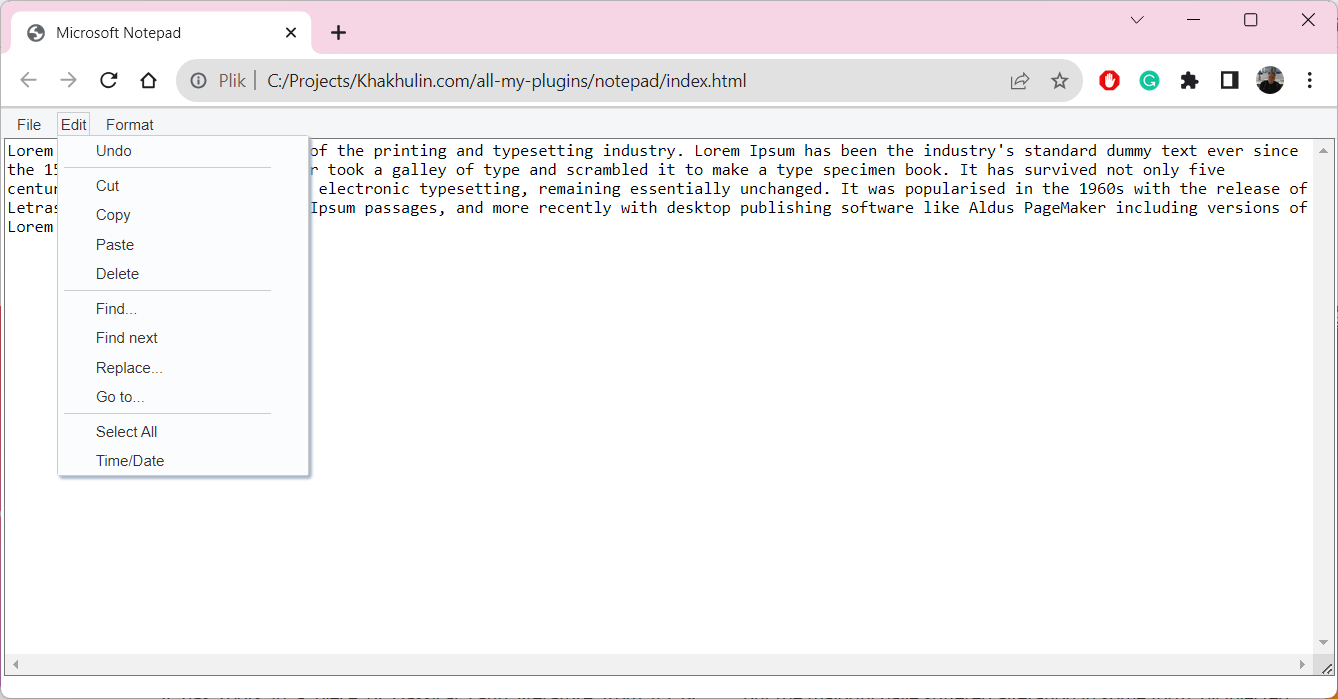
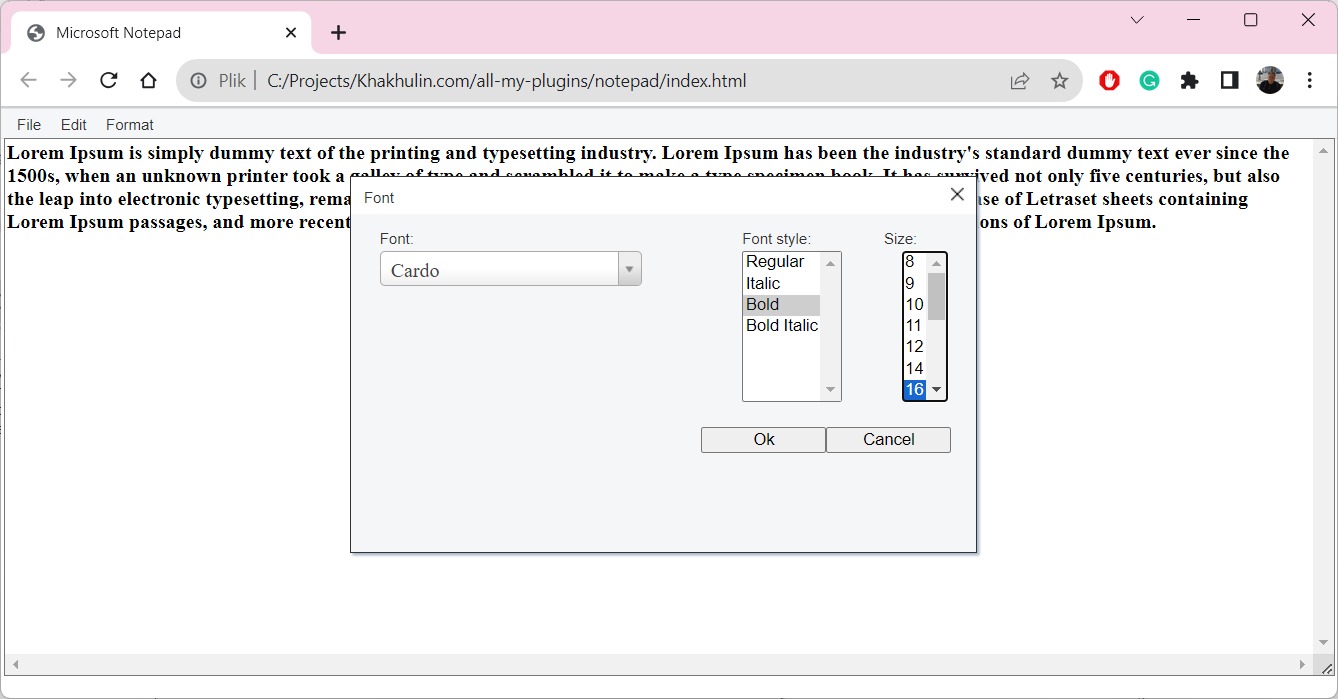
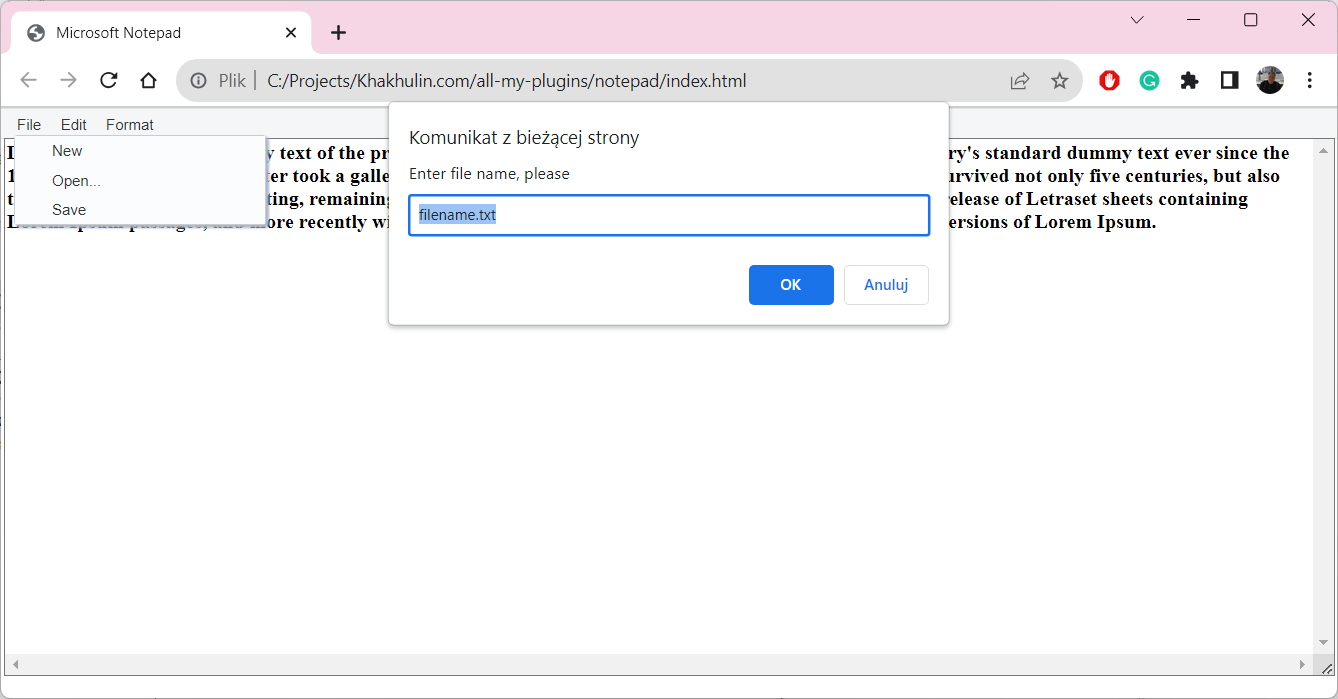
I made a full copy of the Windows desktop app as a plugin using JavaScript, jQuery, and CSS. All functionality was implemented, the users can type texts, copy and paste texts, manage font attributes, and so on.
This was a stand-alone plugin that can be added to any website. Take a look at the gallery - here are shown the main features of the plugin.
Microsoft Notepad simulator plugin using JavaScript, jQuery and CSS. Screen 1 Microsoft Notepad simulator plugin using JavaScript, jQuery and CSS. Screen 2 Microsoft Notepad simulator plugin using JavaScript, jQuery and CSS. Screen 3 Microsoft Notepad simulator plugin using JavaScript, jQuery and CSS. Screen 4 Microsoft Notepad simulator plugin using JavaScript, jQuery and CSS. Screen 5 Microsoft Notepad simulator plugin using JavaScript, jQuery and CSS. Screen 6 Microsoft Notepad simulator plugin using JavaScript, jQuery and CSS. Screen 7